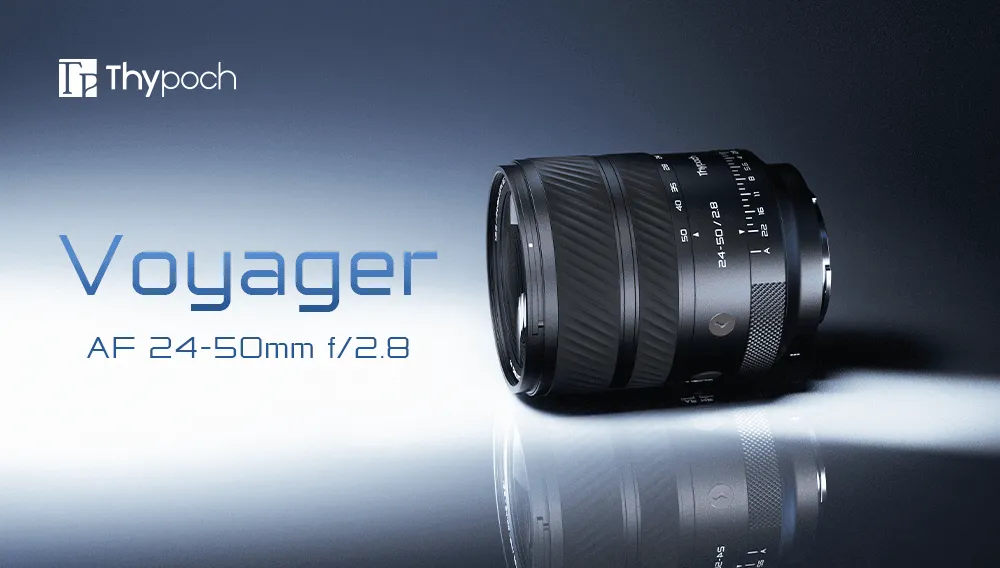
Thypoch 24-50mm Voyager Autofocus Lens Firmware Upgrade Guide
Knowledge
1.0.6 Firmware Update Log:
1. Added support for DMF and Full-time DMF functions.
2. Added autofocus support for the Gabale E-Z electronic adapter ring.
3. Added compatibility support for the DJI Ronin 4D system.
4. Fixed an issue where the manual focus function was abnormal under specific conditions.
Welcome to Thypoch autofocus lenses. To get the best shooting experience and the latest features, it is recommended that you regularly keep your lens firmware up to date.
The entire upgrade process is very simple and takes only 2-3 minutes to complete. Please follow the steps below:
Preparation Before starting the upgrade, please make sure you have prepared the following equipment:
Thypoch Lens
USB-C Data Cable
Computer (supports Windows or macOS systems)
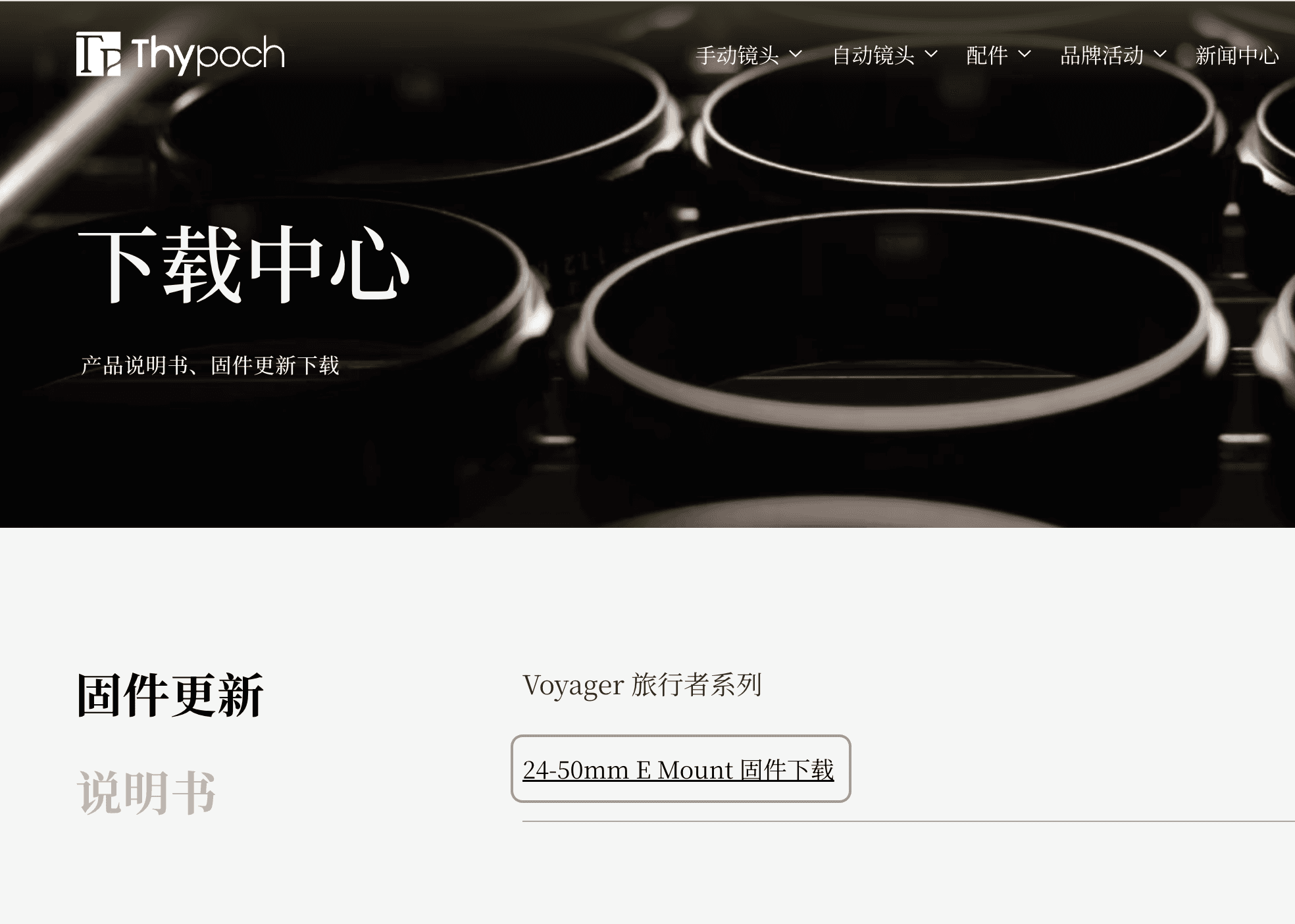
Get the Latest Firmware Please go to the support page of the official Thypoch website to download the latest firmware file (.bin format) corresponding to your lens model.
https://thypoch.com/support/download-center
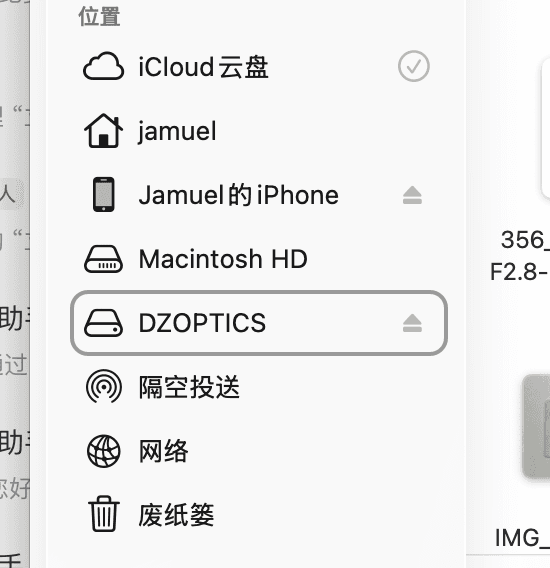
Connect Lens to Computer Insert one end of the USB-C data cable into the port at the rear of the lens, and connect the other end to your computer.
Windows System: After connection, a removable disk named "Thypoch" will pop up in "This PC".
macOS System: After successful connection, the disk icon named "Thypoch" will be automatically mounted on the desktop and "Finder" sidebar.
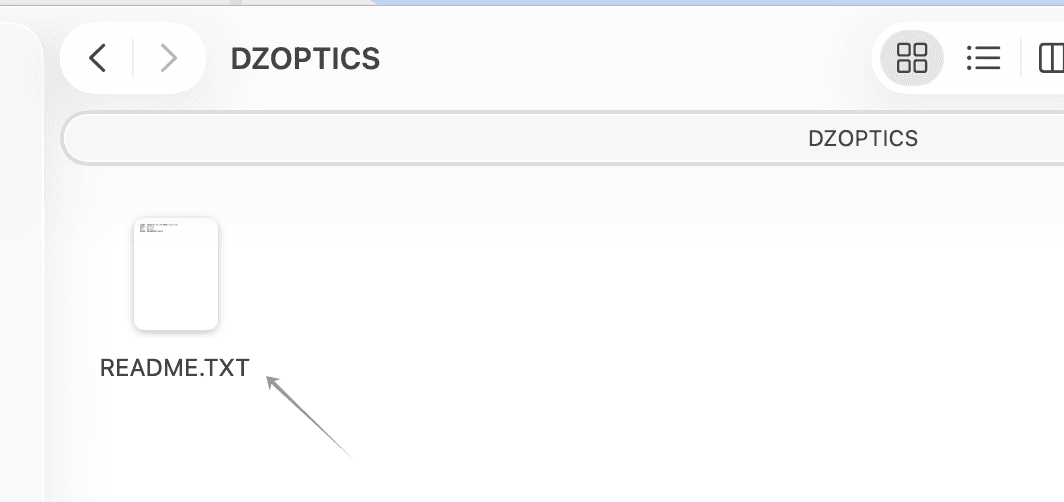
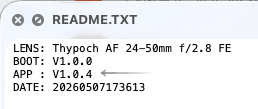
Check the Current Firmware Version Before writing the new firmware, you can first confirm the current version of the lens:
Double-click to open the Thypoch disk.
Find the README.txt file in the root directory and open it.
Check the version number in the APP line inside the file.
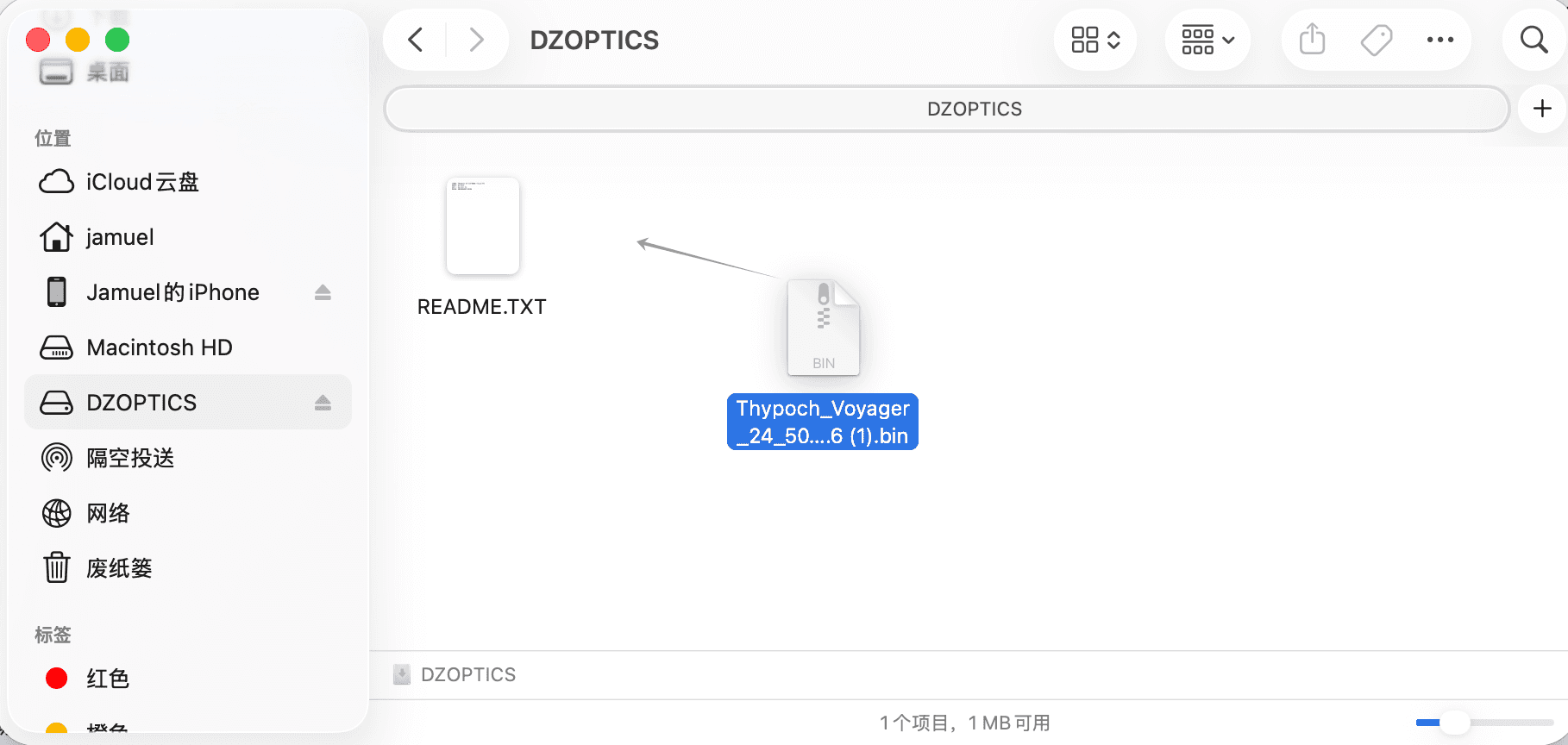
Write New Firmware Locate the .bin firmware file you downloaded in step two.
Drag and drop the .bin file directly into the root directory of the Thypoch disk.
Wait for the file copying to complete. (⚠️ Note: After copying is complete, the system will automatically eject the disk device. This is a normal phenomenon of the firmware being automatically flashed, please do not worry.)
Verify Update Result To ensure the firmware has been successfully written:
Unplug the USB-C data cable from the lens, then reconnect it to the computer.
Reopen the README.txt file in the disk.
Check the Firmware Version to confirm that the version number has changed to the latest version you just downloaded.
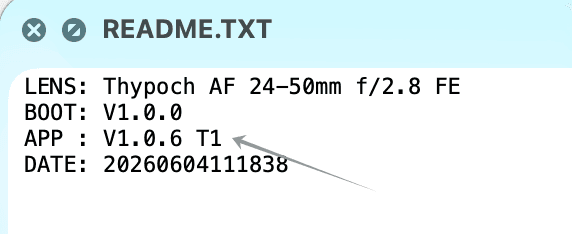
Firmware upgrade successful!